Real work.
A record to return to.

Five ways real ChatData Sync users work today. Jessica D. and Anthony's feedback is verified by our team and edited for clarity. Other stories are summarized. Illustrations are not their screenshots.

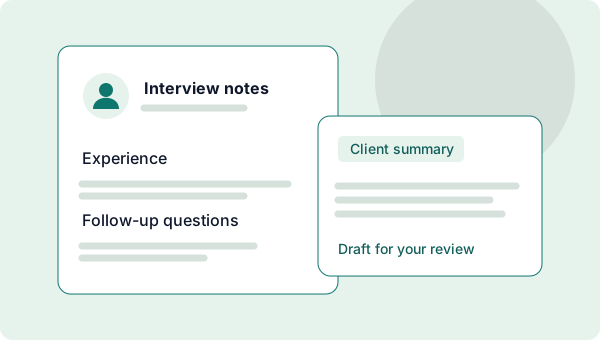
Illustration of interview notes beside a client-summary draft awaiting review.

ChatData Sync keeps my interview notes organized so I can use ChatGPT agents to turn them into reports for my clients. It saves me so much typing and trying to remember interview details. I love it and recommend it.

Jessica D. · Independent recruiterVerified customer feedback · Edited for clarity

Interview notes to client updates.

Jessica D. uses ChatGPT and ChatData Sync for each new recruiting client: save interview notes, prepare a client report, and share the tracker with authorized clients.

  • Candidates
  • Roles
  • Interview notes
  • Summary drafts
Start a recruiting tracker
How to use it safely

Jessica also shares trackers so authorized clients can connect their own compatible assistants. Ask your assistant to draft a summary using only saved notes, then review it before sharing. Keep candidate details private: a client-ready summary is not access to the full tracker. Invite only authorized collaborators, with appropriate connection permissions. This is note organization, not automated candidate ranking.
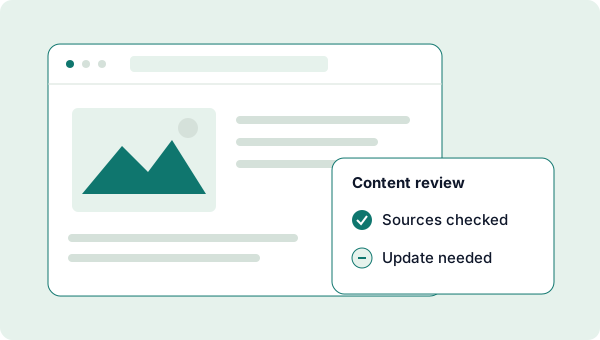
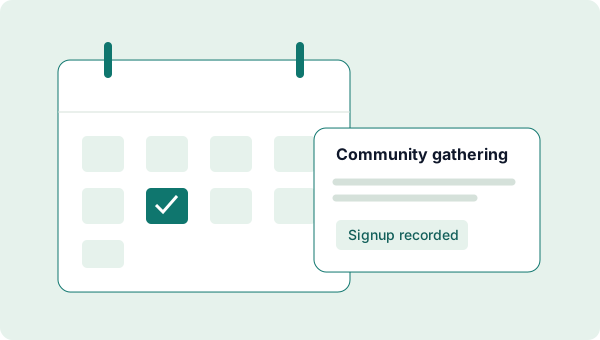
Illustration of a website content review showing checked sources and an update needed.

Website checks clients can follow.

A website developer's agents check his clients' sites daily for fresh content and SEO. Each rating lands in ChatData Sync, and he shares the tracker so clients can see how their site is doing.

  • Pages
  • Review dates
  • Ratings
  • Next updates
Start a website review tracker
See the workflow

Connected tools check pages, record the source and assessment criteria, then save findings for later comparison. Share a tracker with the appropriate client, keeping other clients' records separate. Daily scheduling needs an external agent or service; ChatData Sync keeps the results. SEO assessments are not guaranteed search rankings.

Illustration of a community calendar and a recorded event signup.

I needed event signups without building a whole database backend. ChatData Sync stores the form submissions, and ChatGPT helps me pull the lists for church leaders. I can share the tracker with them, too. I'm using the same approach on another website build.

Anthony · Church website developerVerified customer feedback · Edited for clarity

Community signups, organized.

Anthony connects a church website's signup forms to ChatData Sync, then uses ChatGPT agents to prepare lists for church leaders. Leaders can also use a shared tracker with their own compatible assistant.

  • Events
  • Dates
  • Registrations
  • Attendance
Start an event tracker
What needs connecting?

This starter organizes records; it does not publish a signup form. A developer connects the website using appropriately scoped access. Keep credentials out of public browser code, and limit attendee details to authorized organizers. Anthony's connected agent workflow prepares signup lists for leaders; sending those lists requires his separately configured tools. He also values the platform's active development and improvements tracked in the issue log.

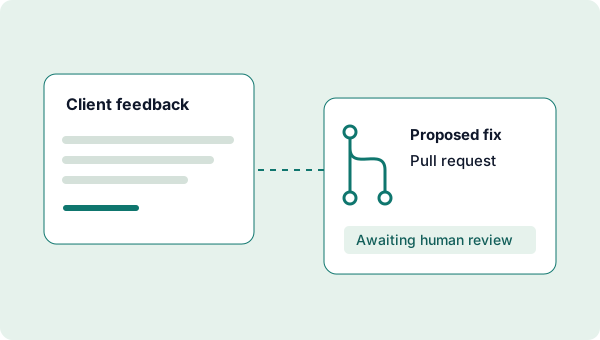
Illustration connecting client feedback to a pull request waiting for human review.

Feedback to reviewed fixes.

An AI developer routes client feedback into ChatData Sync. His agent opens a pull request to resolve it, he reviews the work before pushing to production, and clients follow along in the shared tracker.

  • Feedback
  • Pull requests
  • Review status
  • Releases
Start a feedback tracker
Where does the agent fit?

Your connected development tools prepare changes and pull requests. ChatData Sync records the original request, proposed fix, and review status. Keep human approval before release; creating a tracker does not connect a repository or deploy code.

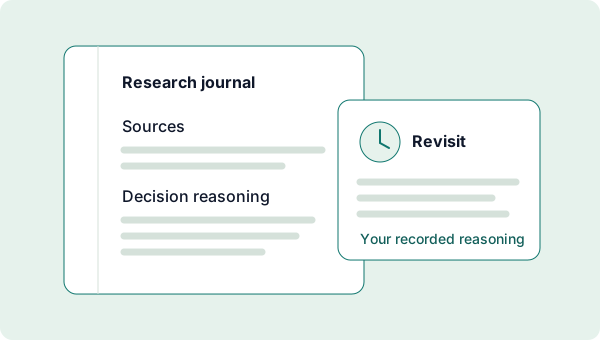
Illustration of research sources and decision notes saved for a later review.

Research worth revisiting.

A small-dollar crypto investor has his ChatGPT agent research coins, set stop limits, and log the reasoning in ChatData Sync. The agent reads it back later to refine the strategy, tighten a stop limit, or sell.

  • Coins
  • Decisions
  • Reasoning
  • Stop limits
Start a research journal

Record-keeping, not investment advice or trade execution.

What this journal does not do

His agent places orders through its own exchange connection and authorization. ChatData Sync keeps the reasoning and the record; it does not execute trades, recommend investments, or promise returns. A stop limit saved here is a note, not a submitted order.