How ChatData Sync works
Describe what you want to track. ChatData Sync creates private, organized storage that compatible assistants and agents can read and update. Save with one assistant, retrieve with another, and keep your records when you switch.
Try it freeNo credit card required. Preview before you sign in.
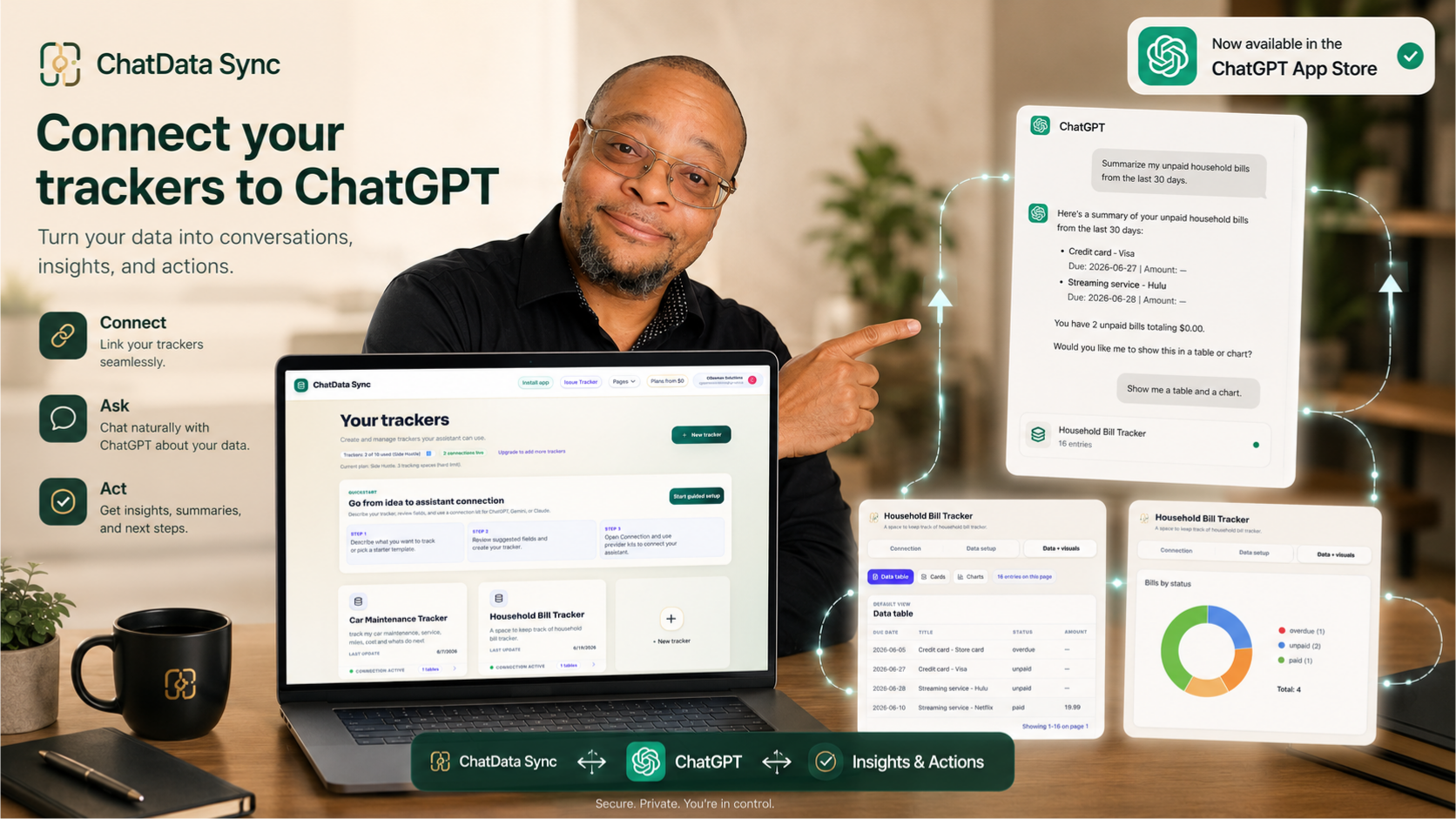
See a guided setup in ChatGPT
See exactly how a plain-English description becomes a private tracker your assistant can read and update — then follow the connection steps for ChatGPT.
Open ChatData Sync in ChatGPT →
Less scattered information
Keep the details you want to find later in one tracker. Instead of rebuilding a spreadsheet or searching old chats, ask your connected assistant to save an entry, look one up, or total what you have logged.
You choose what to track and review the layout before saving it. No coding or server setup needed.
Three steps from idea to working assistant
Describe what you want to track
Write a plain-English description of the workflow. "Track customers, vehicles, repair orders, parts used, estimates, and invoice status" is enough. You do not need to know field types, indexes, or data modeling patterns. ChatData Sync infers the structure from your intent.
Review your tracker
Check the suggested sections, fields, and links. Change the draft if needed, then create your tracker. Choose sharing and assistant permissions separately; they are not automatically decided by your description.
Connect your assistant and start talking
Open the Connect tab and choose your assistant. Follow the sign-in or manual setup for that platform. Then log a small first entry and ask your assistant to show what it saved.
What your tracker includes
- Sections and fieldsSuggested from your description; review before saving
- Links between entriesFor example, a customer and their service visits
- Assistant setup guidesChoose a compatible assistant and authorize its access
- Your own copyCSV export on every plan
Works with your assistant of choice
ChatGPT
Open the app listing, or follow the separate custom GPT Actions guide.
Claude
Connect via the MCP endpoint. Works with Claude.ai and the API.
See it with a real workflow
Everyday personal life
Recipes, car maintenance, home projects, hobbies, and health habits — your own private place to keep it, with your assistant doing the logging.
Auto repair shop
Customers, vehicles, repair orders, inspections, parts, estimates, approvals, and technician notes — generated from one description.
Service businesses
Pet sitters, tutors, handymen, and freelancers — log clients, jobs, sessions, and invoices through conversation.
Try it free — no credit card required
Describe your workflow, review your tracker, and connect your assistant. The Free plan includes one tracking space and 200 assistant actions per month.
Describe your first workflow