Private structured memory for your AI assistant

The easiest way to give ChatGPT, Claude, or Gemini a private memory for real-world records.

Built for solo service businesses, freelancers, side hustlers, and power users who already rely on AI chats. Describe your workflow in plain English, and ChatData Sync gives your assistant a reliable place to log, retrieve, and summarize records across conversations.

Connect ChatGPT, Claude, or Gemini in one step. Then just talk — “log today’s oil change,” “what’s still unpaid this week,” “which recipes use chicken.” No spreadsheets, no forms, no technical setup.

No credit card to start Private, per-account isolation Connect in one paste
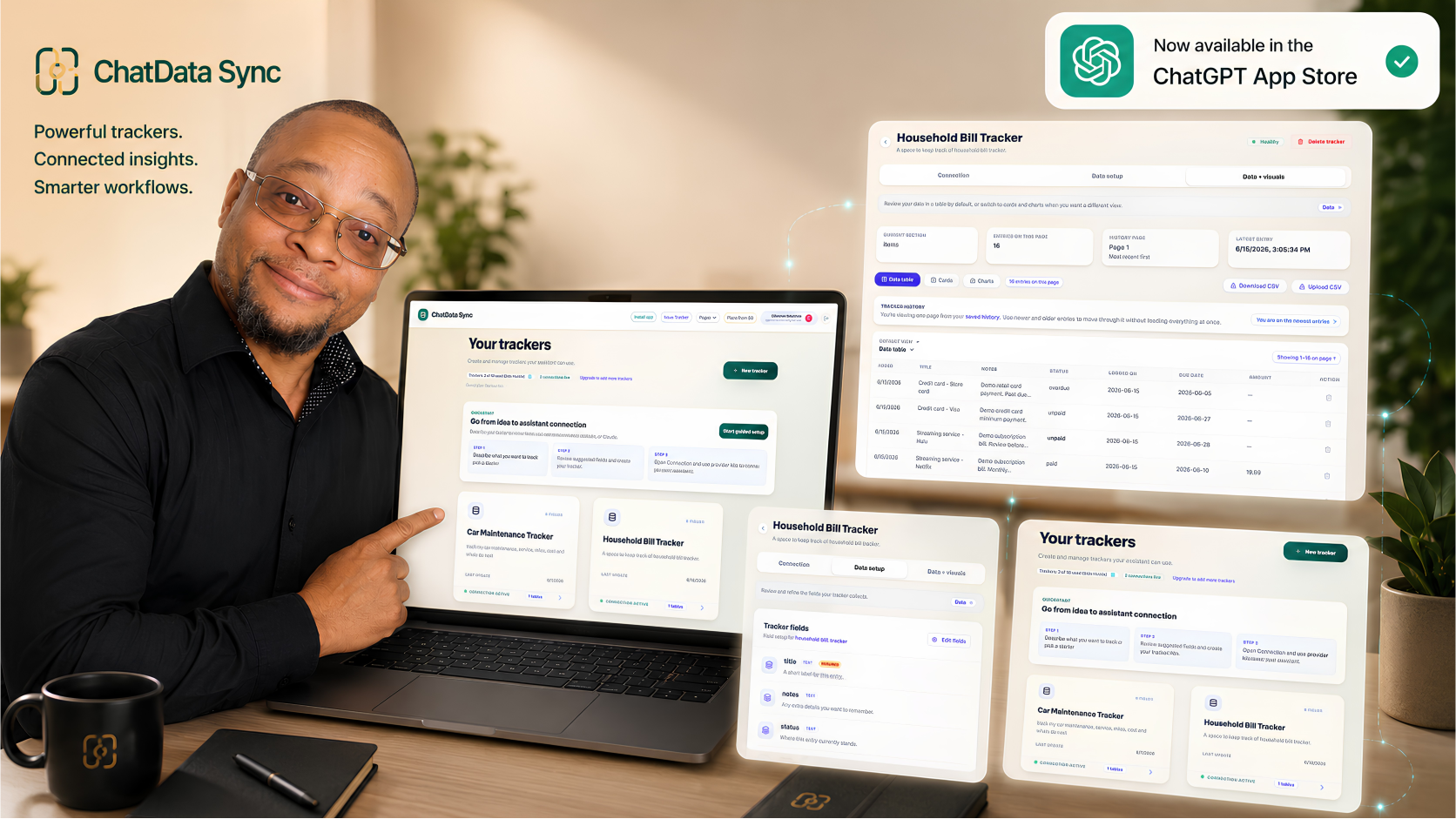
ChatData Sync product view: trackers full of organized records that your AI assistant can read and update, now available in the ChatGPT App Store
Now in the ChatGPT App StoreConnect in one paste

Your tracker is ready in four steps

1. Describe Tell ChatData Sync what you want to keep track of in plain English. It builds the structure for you.
2. Review See the fields it suggests. Adjust anything before you save. Nothing is saved until you sign in.
3. Connect Copy one connection string into ChatGPT, Claude, or Gemini. Done.
4. Ask away Log something, find a record, or ask what is due — all through chat.

Watch the setup in ChatGPT

A short, step-by-step demo: describe a tracker in plain English, then connect it to ChatGPT so your assistant can log and look things up for you.

Built for people who want results, not tech projects

Your assistant gets a memory that lasts

ChatGPT and Claude forget when the chat closes. ChatData Sync gives your assistant a private place to save your real information — recipes, repairs, clients, payments — so it can recall and update it across conversations.

No spreadsheets, no forms, no setup

Everything that normally takes a developer — the database, the structure, the AI connection — is created automatically from your plain-English description.

Your data stays private and yours

Each tracker is locked to your account. Your assistant can only reach its own tracker — it cannot see anyone else’s data, and you can revoke access at any time.

Built for real workflows, not generic databases

Your everyday life

Recipes, car and home maintenance, home projects, hobbies, health habits, and garden care. Your own private place to keep it all, with your assistant doing the logging and the looking-up.

See personal examples

Your side hustle or service business

Pet sitters, tutors, handymen, and freelancers log clients, jobs, sessions, and invoices through conversation — then ask what is still unpaid this week.

See how it works

Auto repair is a strong proof point

Track customers, vehicles, repair orders, inspections, parts, estimates, approvals, and technician notes. Then ask your assistant for open jobs, unpaid invoices, or status summaries in seconds.

See auto repair workflow

Describe your first tracker for free

No credit card. No technical setup. Just describe what you want to keep track of and see what ChatData Sync builds for you in under a minute.